


Top 10 Best Practices for Successful Live Streaming

Live streaming has become a vital tool for corporate planners and conference organizers aiming to reach wider audiences and create engaging hybrid meeting video experiences. Yet, many live streams fall short due to technical glitches, poor planning, or lack of audience interaction. To help you deliver seamless and professional broadcasts, this post outlines the top 10 best practices for successful live streaming. These tips focus on creating a professional live stream setup, using the right corporate streaming tech, and ensuring your hybrid event AV runs smoothly.
1. Plan Your Content and Flow in Detail
A clear plan is the foundation of any successful live stream. Outline the agenda, key messages, and timing for each segment. Share this plan with your speakers and technical team to ensure everyone knows their role. For hybrid event AV, coordinate how in-person and remote elements will blend, such as when to switch between speakers or show presentations.
2. Invest in a Professional Live Stream Setup
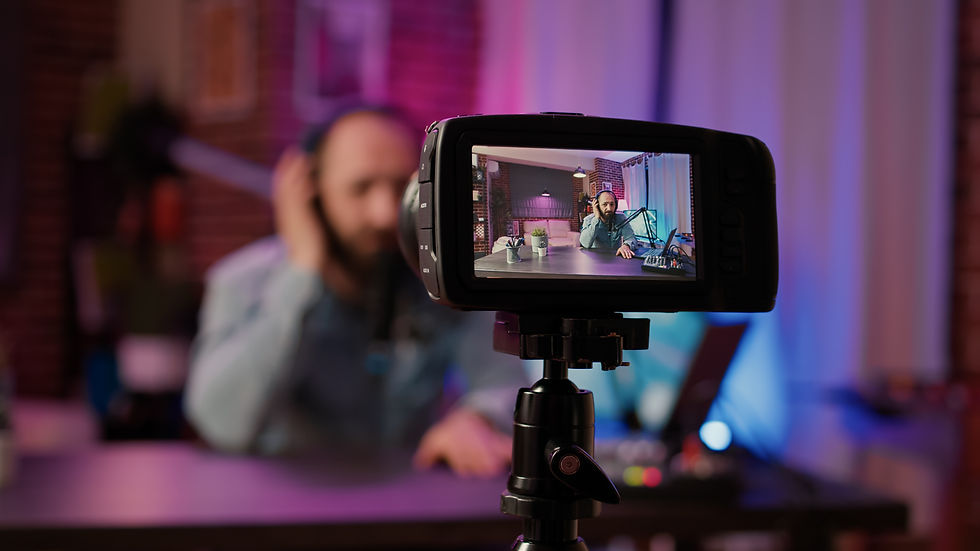
Quality equipment makes a big difference. Use high-definition cameras, reliable microphones, and proper lighting to enhance video and audio clarity. A professional live stream setup reduces technical issues and improves viewer experience. Consider hiring AV specialists who understand corporate streaming tech to handle the setup and troubleshooting.
3. Test All Equipment Before Going Live
Testing is crucial. Run full rehearsals with all equipment, including cameras, microphones, and streaming software. Check internet speed and backup connections. Testing helps identify weak points in your hybrid meeting video and allows time to fix them before the event.
4. Use a Stable and Fast Internet Connection
A slow or unstable internet connection can ruin a live stream. Use a wired Ethernet connection instead of Wi-Fi whenever possible. Aim for upload speeds of at least 5 Mbps for HD streaming. For hybrid event AV, ensure the venue’s network can handle multiple devices streaming simultaneously.
5. Engage Your Audience Actively
Interaction keeps viewers interested. Use live chat, polls, and Q&A sessions to involve remote participants. Assign a moderator to manage questions and comments. This approach makes hybrid meeting video feel more inclusive and dynamic.

6. Optimize Lighting and Sound
Good lighting highlights speakers and reduces shadows. Use soft, even lighting sources placed in front of presenters. Avoid backlighting that causes silhouettes. For sound, use lapel or shotgun microphones to capture clear audio. Background noise should be minimized, especially in hybrid event AV setups.
7. Choose the Right Streaming Platform
Select a streaming platform that fits your audience size and interaction needs. Platforms like Zoom, Microsoft Teams, or YouTube Live offer different features. Make sure the platform supports your corporate streaming tech and integrates well with your hybrid event AV system.
8. Prepare Backup Plans for Technical Issues
Technical problems can happen despite preparation. Have backup equipment ready, such as extra cameras, microphones, and cables. Assign team members to monitor the stream and fix issues quickly. For hybrid meeting video, prepare alternative communication channels if the main stream fails.
9. Record the Stream for On-Demand Access
Recording your live stream allows attendees to watch later and extends the event’s reach. Ensure your professional live stream setup includes recording capabilities. Share the recording promptly with participants and use it for future marketing or training.

10. Analyze Performance and Gather Feedback
After the event, review analytics such as viewer numbers, engagement rates, and technical issues. Collect feedback from attendees to understand what worked and what needs improvement. Use these insights to refine your corporate streaming tech and hybrid event AV for future live streams.
Successful live streaming requires careful planning, the right equipment, and active audience engagement. By following these best practices, corporate planners and conference organizers can deliver smooth hybrid meeting video experiences that connect in-person and remote attendees effectively. Start by assessing your current setup and make improvements step by step to build confidence and professionalism in your live streams.


Comments